Virtual Assistant
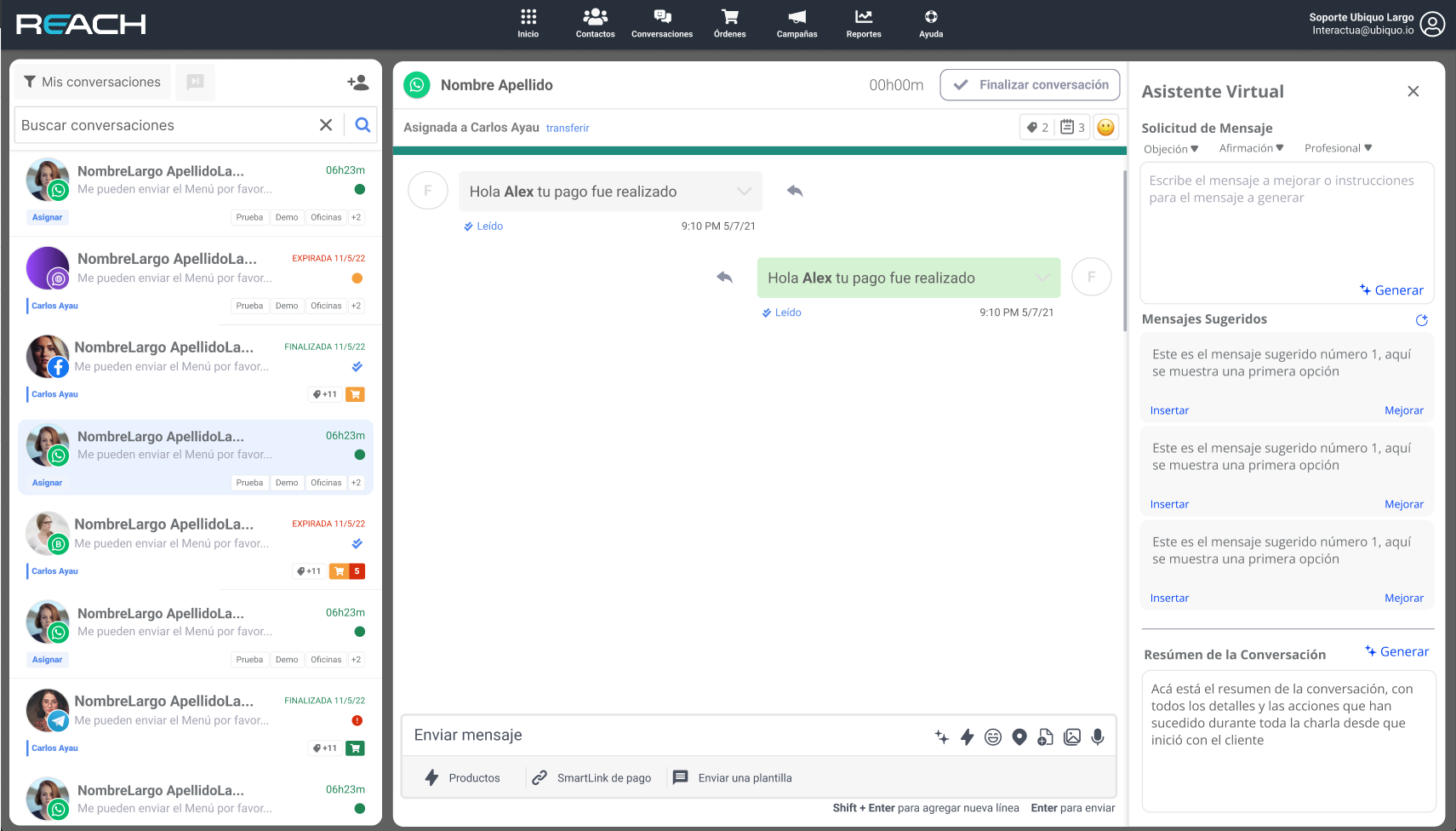
The virtual assistant is a tool designed to support and suggest enhanced responses during conversations. This assistant not only facilitates effective communication but also offers various configuration options to customize the response style according to the user’s needs. To use this tool, select a conversation and click on the virtual assistant icon, which will open a tab or screen on the right side with all available options
Main Features:
1. Response Suggestions
The assistant analyzes the context of the conversation and suggests responses that improve the clarity and effectiveness of the dialogue. These suggestions are designed to be contextually relevant and useful, helping to maintain smooth and coherent communication.
2. Response Format Configuration
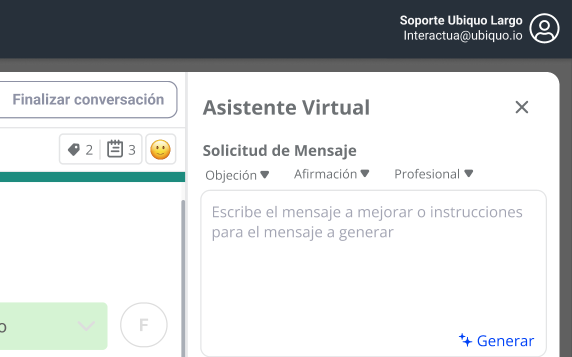
The assistant allows configuring responses in three distinct formats:
-
Objection Handling: Designed to effectively manage and redirect objections. Example:
- Client: “The price is too high.”
- Assistant: “I understand your concern. Allow me to explain the additional benefits this product offers, which justify its value.”
-
Affirmation: Used to confirm or reaffirm information clearly. Example:
- Client: “So, is the delivery free?”
- Assistant: “Yes, delivery is completely free for orders over $50.”
-
Profesional Tone Maintains a formal and professional tone in all responses. Example:
- Client: “I need more information about your services.”
- Assistant: “I would be happy to provide more details about our services. Please let me know which specific area interests you.”
Preference Customization
To configure format preferences, access the assistant’s settings menu and select the preferred response style. You can adjust these preferences at any time according to the context of the conversation.
3. List of Suggested Messages
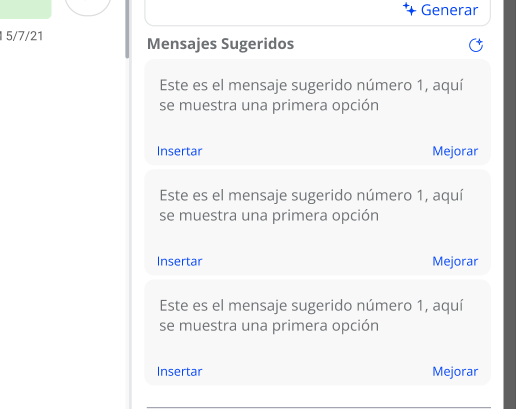
The assistant offers a list of suggested messages based on the context of the current conversation. These messages are designed to facilitate quick and appropriate responses. Example of Suggested Messages:
- “Thank you for your inquiry. We are verifying the information and will get back to you shortly.”
- “We understand your concern. Could you provide more details so we can assist you better?”
4. Conversation Summary
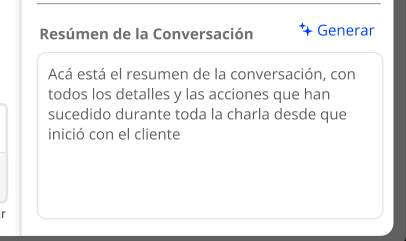
The assistant can generate a detailed summary of the conversation, including all events and actions that have occurred since its inception. This summary is useful for maintaining a clear record of the points discussed and decisions made. Example of Summary:
- Conversation Start: 10:00 AM
- Client expressed concern about the delivery time.
- Assistant verified and confirmed the delivery date.
- Client requested more information about additional services.
- Assistant provided further details.